
Super Smash Bros Crusade Mods
Super Smash Bros Crusade is a beloved fan-made game that captures the essence of the classic Super Smash Bros series while offering its unique twist. One of the most exciting aspects of Super Smash Bros Crusade is its extensive modding community. Mods allow players to introduce new characters, stages, and other modifications that enhance the gameplay experience. In this comprehensive guide, we’ll delve into what mods are, how to install them, and what they can change in your game. Whether you're a seasoned modder or a newcomer, this guide will provide all the information you need to get started with Super Smash Bros Crusade mods.
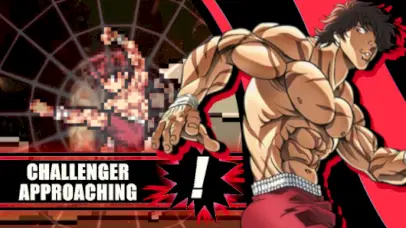
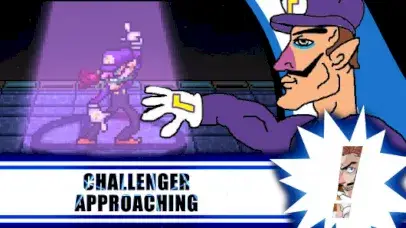
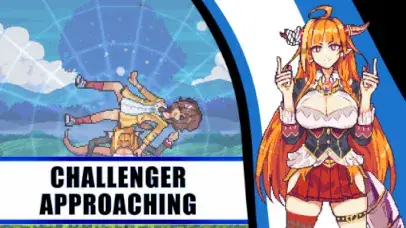
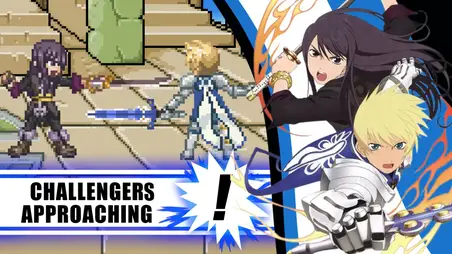
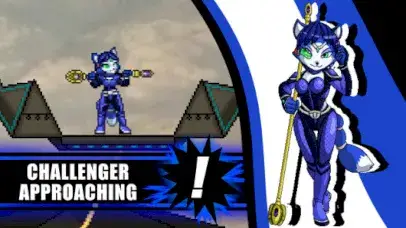
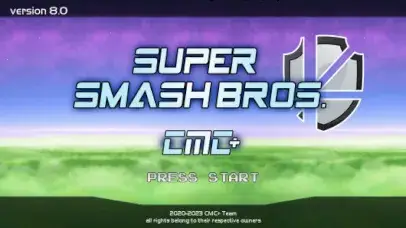
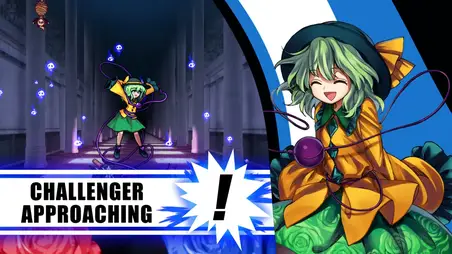
What Are Mods in Super Smash Bros Crusade?
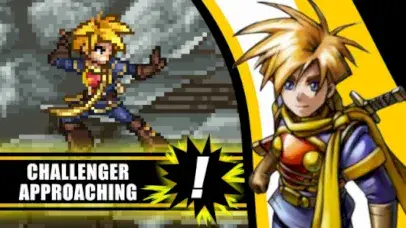
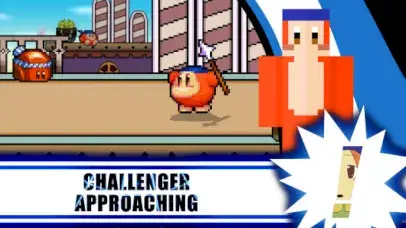
Mods are user-created content that can modify or expand upon the original game. In Super Smash Bros Crusade, mods can include new characters, stages, music, graphical improvements, and even changes to gameplay mechanics. These mods are created by the game's community and can significantly enhance your experience by adding fresh content or allowing you to tailor the game to your preferences.How to Install Mods in Super Smash Bros Crusade
Installing mods in Super Smash Bros Crusade is a straightforward process but requires careful attention to detail. Below is a step-by-step guide:
1. Download the Mod Files:
- Visit popular modding sites like GameBanana or join dedicated Discord servers to find the mods you want to install.
2. Extract the Files:
- Use a file extraction tool like WinRAR or 7-Zip to extract the downloaded mod files into a dedicated folder on your computer.
3. Locate the Game's Installation Directory:
- Navigate to the directory where Super Smash Bros Crusade is installed. This is typically where the game executable is located.
4. Backup Your Game Files:
- Before proceeding with the mod installation, it’s advisable to back up the original game files. This will allow you to restore the game to its original state if anything goes wrong.
5. Installing Character Mods:
- Copy the character files (often found in the
datafolder within the mod) and paste them into the corresponding directory in the game’s installation folder. - Open the game’s
Fighters.txtfile and add the character’s identifier (usually provided in the mod documentation). - Save the file and close it.
6. Installing Stage Mods:
- Similar to character mods, stage mods involve copying files into the game’s
datadirectory. - Edit the
Stage.txtfile, adding the new stage’s identifier to ensure it appears in-game. - Save the file and close it.
7. Final Steps:
- Once all files are correctly placed and edited, launch Super Smash Bros Crusade.
- Navigate to the character or stage selection screens to verify that your mods have been successfully installed.
Features of Super Smash Bros Crusade Mods
| Feature | Description |
|---|---|
| Game Version | Super Smash Bros Crusade v0.9.5 or later |
| Types of Mods | Characters, stages, soundtracks, graphical enhancements, and custom movesets |
| Installation Method | Manual file placement in game directories, often requires text file edits |
| Compatibility | Some mods are version-specific; ensure compatibility with your game version |
| Mod Sources | Available from community sites such as GameBanana and Discord channels dedicated to the game |
| Tools Required | File extraction software (WinRAR, 7-Zip), a basic text editor (Notepad), and the game’s mod-ready directories |
| Customization Level | High; allows extensive changes from simple cosmetic adjustments to complex gameplay modifications |
| Community Support | Active communities available for help, including forums and Discord servers |
Common Mod Types in Super Smash Bros Crusade
1. Character Mods- Description: Add new fighters to your roster, from popular characters like Dante from Devil May Cry to fan-favorites like SpongeBob SquarePants.
- Installation Complexity: Moderate; involves file management and text file editing.
- Customization: High; many character mods include custom movesets and animations.
- Description: Introduce new battle stages that may range from classic game locations to entirely new environments.
- Installation Complexity: Moderate; requires similar steps as character mods, including file placement and text file updates.
- Customization: Medium to High; some stages come with unique hazards or interactive elements.
- Description: Replace in-game music with tracks of your choice, from game soundtracks to other musical genres.
- Installation Complexity: Low; primarily involves replacing audio files in the game’s
musicfolder. - Customization: Medium; the ability to loop and sync music tracks can vary.
- Keep Your Mods Organized: Create a separate folder for downloaded mods, and categorize them by type (characters, stages, etc.) to make future updates or uninstalls easier.
- Check Mod Compatibility: Ensure that the mods you download are compatible with your version of Super Smash Bros Crusade.
- Join the Community: Engaging with the modding community on forums or Discord servers can provide valuable support and updates on new mods.
- Game Crashes on Startup: This is often due to incorrect file placement or incompatible mods. Re-check the installation instructions and ensure that all files are correctly placed.
- Mods Not Appearing in Game: Verify that the text files (e.g.,
Fighters.txt,Stage.txt) have been correctly edited and saved. Any typos or incorrect formatting can prevent mods from loading. - Graphic or Audio Glitches: These may be due to conflicts between mods or issues with the original game files. Try disabling one mod at a time to identify the culprit.
